How to View Wimmelbilder in Chrome: Explore Every Hidden Detail
Chrome's basic viewer makes it hard to explore wimmelbilder properly. Get smooth zoom and effortless panning to find every hidden detail.
November 21, 2025
You open a wimmelbild - one of those detailed illustrations packed with dozens of tiny characters and hidden objects. You want to explore every corner, find every detail, discover every joke hidden by the artist.
Chrome’s image viewer, however, makes this frustratingly difficult. You can’t zoom smoothly to the right level. You can’t pan around the image without fighting with scrollbars. Viewing wimmelbilder shouldn’t be this hard.
Here’s how to properly explore detailed illustrations using Enhanced Image Viewer.
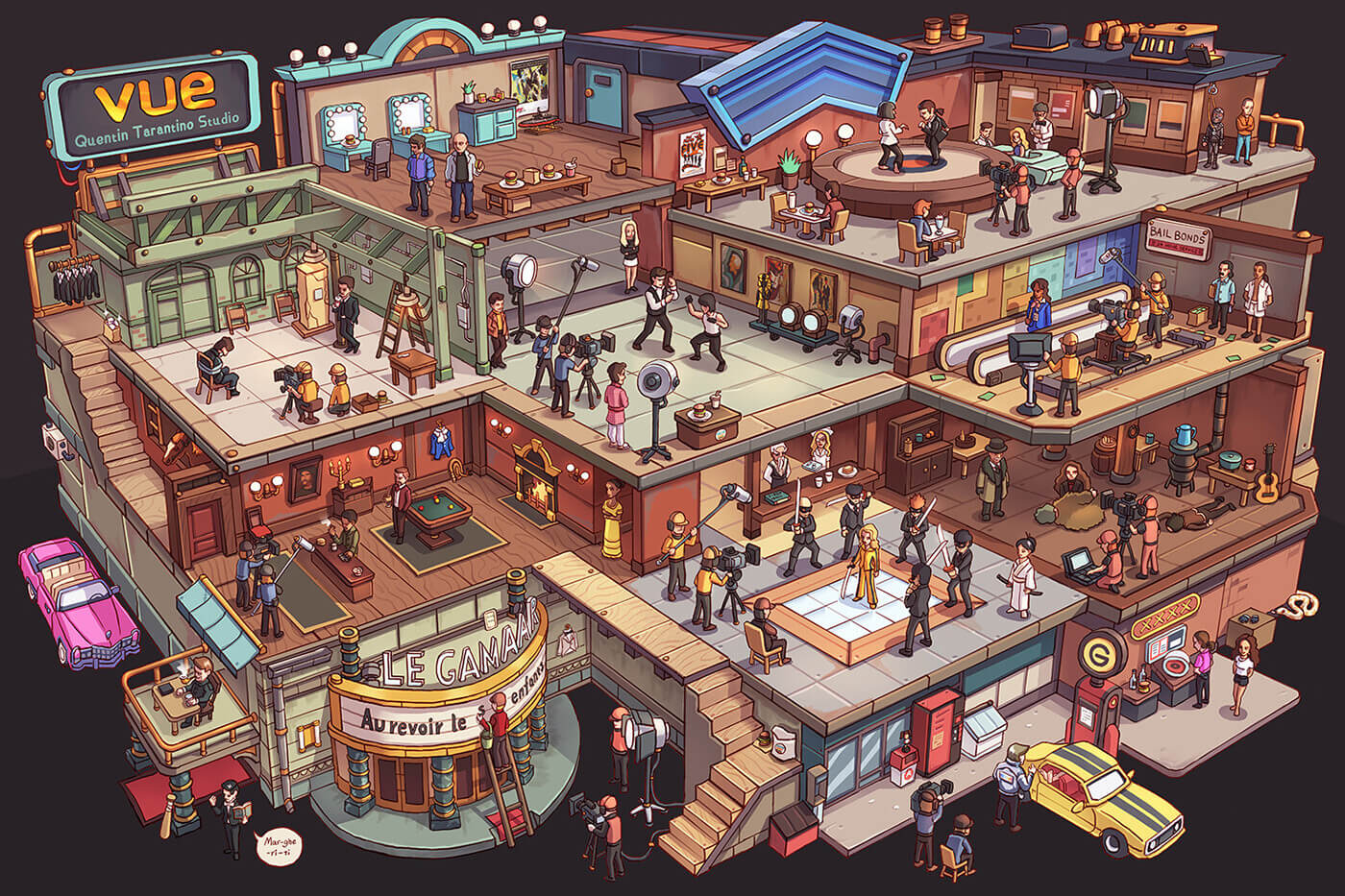
The problem with Chrome’s viewer
Chrome gives you exactly two zoom options: fit to window or slightly larger. Neither works for wimmelbilder. Fit to window makes everything too small to see details. The enlarged view is either still too small or forces excessive scrolling.
Even if you manage to zoom in, Chrome expects you to navigate using scrollbars. Grab the scrollbar, drag a bit, look, drag again, look again. Wimmelbilder are meant to be explored fluidly, your eye wandering from scene to scene. Scrollbars break that flow.
The fundamental issue: you need to zoom out to find interesting areas, then zoom in to see details. Chrome simply does not enable you to do this.
The solution: smooth zoom and pan
Enhanced Image Viewer gives you mouse wheel zoom and click-drag panning. Scroll to zoom in or out to any level. The zoom centers on your cursor - hover over a detail and scroll to zoom directly into it.
Once zoomed, click and drag anywhere to move around. No scrollbars. Your mouse movements become exploration movements.
Join 60,000+ users who’ve upgraded their image viewing. Install Enhanced Image Viewer →
The combination creates fluid exploration: zoom out to scan, spot something interesting, zoom in while moving toward it, drag around to see what’s nearby, zoom in more for tiny details. A continuous journey through the image, not discrete zoom-and-scroll steps.
Many wimmelbild artists share work on Reddit communities like r/wimmelbilder and r/isometric. Enhanced Image Viewer works seamlessly with Reddit, removing headers and footers for distraction-free viewing. Learn more about Reddit integration.
Summary
Wimmelbilder demand careful exploration. You need to zoom in to see details, pan smoothly to follow visual connections, and zoom out to understand the composition. Chrome’s two zoom levels and scrollbar navigation make this difficult.
Enhanced Image Viewer gives you smooth mouse wheel zoom and click-drag panning. Explore wimmelbilder the way they’re meant to be viewed - fluidly, playfully, and without fighting your image viewer.
Install Enhanced Image Viewer and rediscover the joy of finding hidden details. It’s free and works immediately.