View Centered SVG Images in Chrome with Zoom and Pan
Chrome's SVG viewer shows images in the corner with no zoom or pan controls. Enhanced Image Viewer adds smooth zoom and centering to SVG images.
December 20, 2025
When you open an SVG file in Chrome, the image appears stuck in the top-left corner on a white background. No zoom controls, no centering, just the image at its natural size. If it’s larger than your window, you can scroll. That’s it.
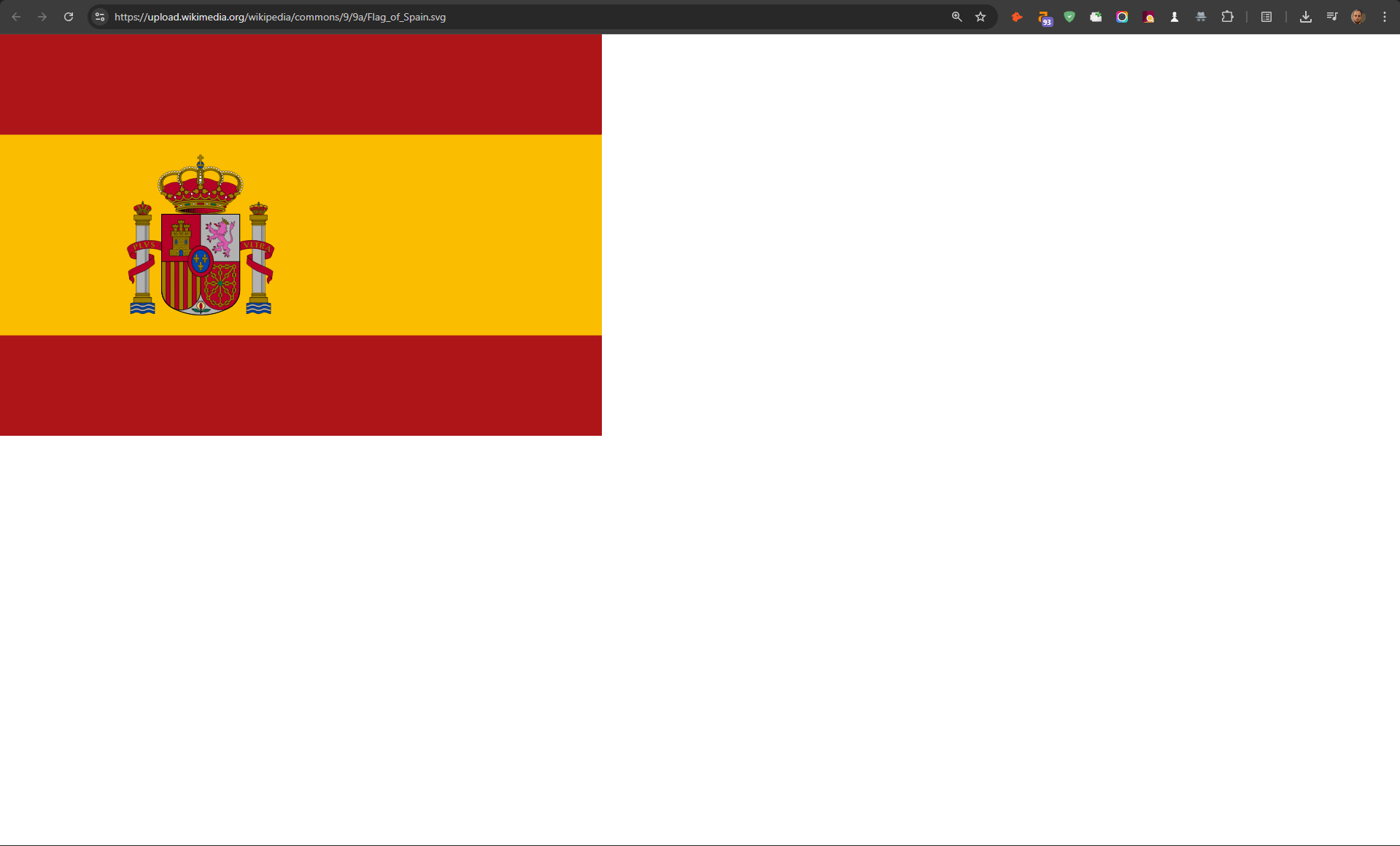
Center, zoom and pan
Enhanced Image Viewer centers the image and adds the same smooth controls available for other formats.
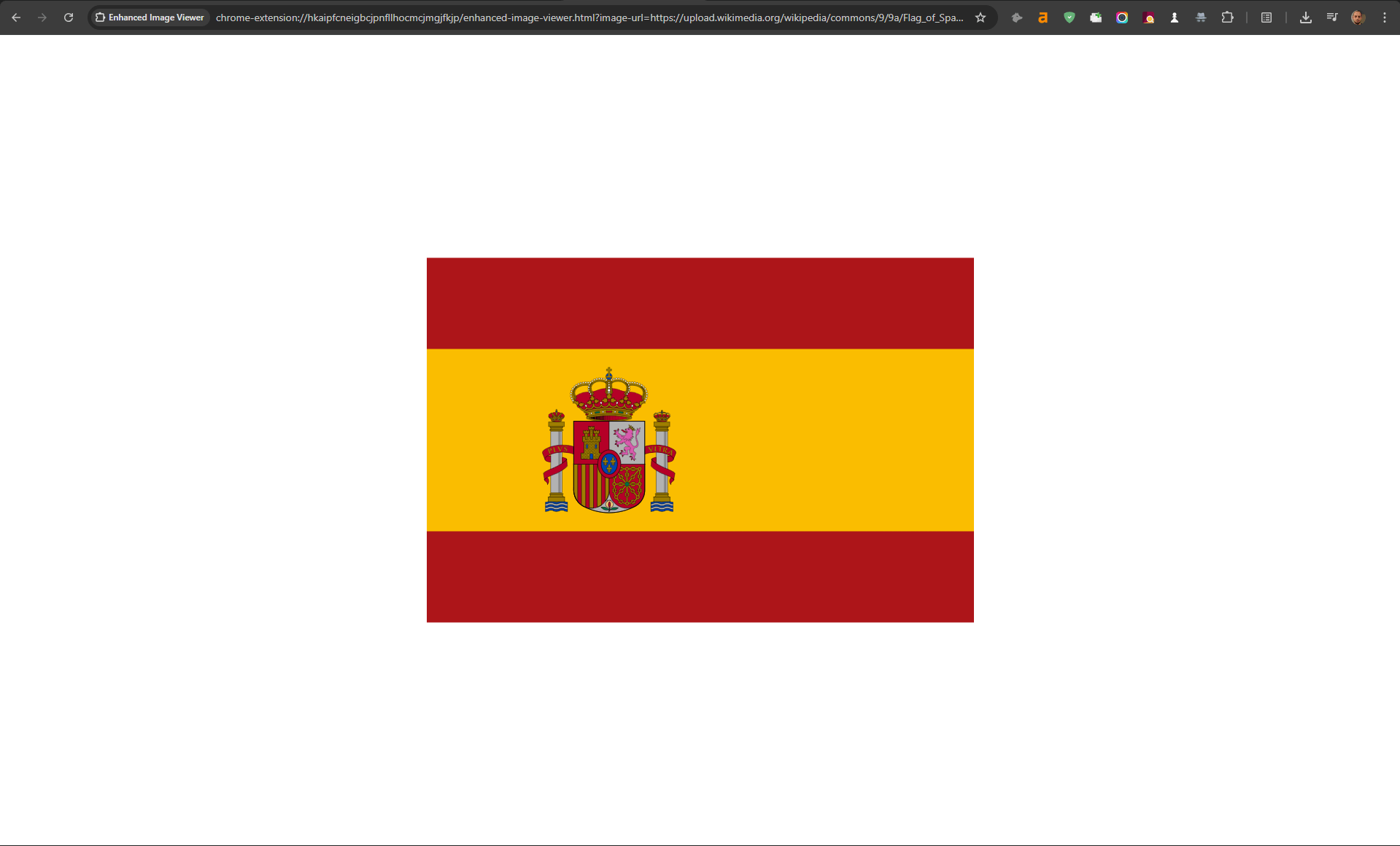
Scroll your mouse wheel to zoom in and out smoothly. The zoom centers on your mouse cursor. Click and drag to pan around the zoomed image.
Beyond SVG support, Enhanced Image Viewer also upgrades Chrome’s regular image viewer and brings special support for image-rich sites like Reddit and image hosting sites.
Install Enhanced Image Viewer and view SVG images with proper controls. Get it free →