View Full-size Pinterest Profile Pictures and Banners
Pinterest only shows thumbnail-sized profile pictures when you open them in a new tab. Enhanced Image Viewer lets you view them in full resolution.
January 24, 2026
The problem with Pinterest profile pictures
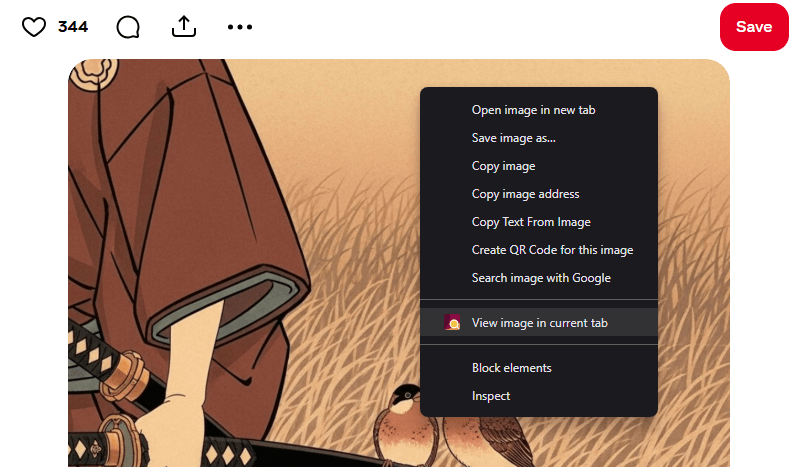
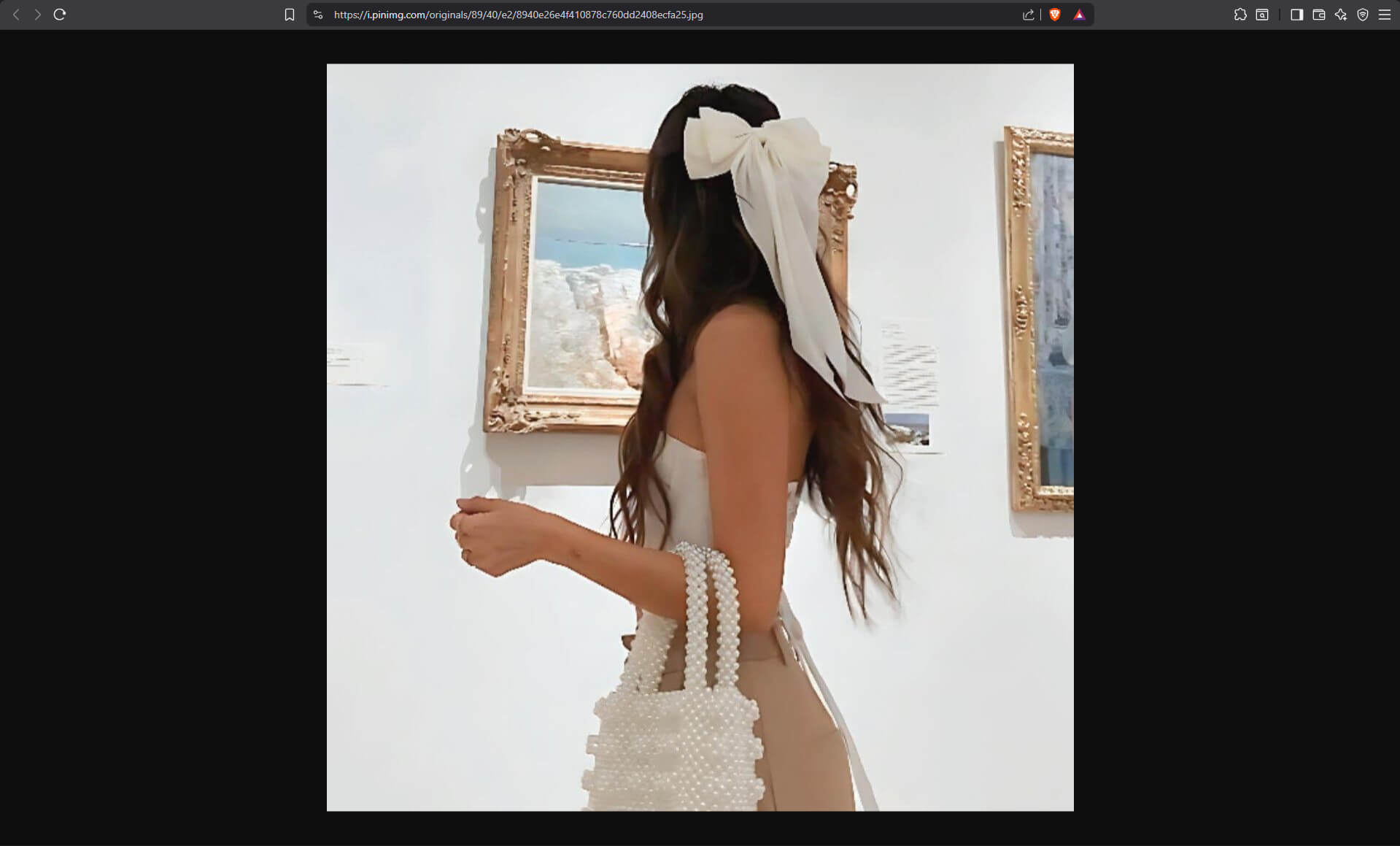
When you try to view someone’s profile picture on Pinterest, you might right-click on it and select “Open image in new tab”.
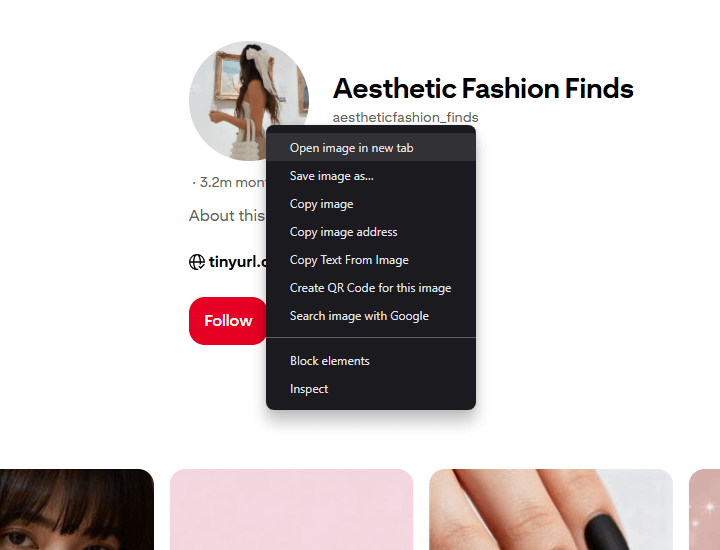
However, the image that opens is only a small thumbnail, not the full-resolution profile picture.
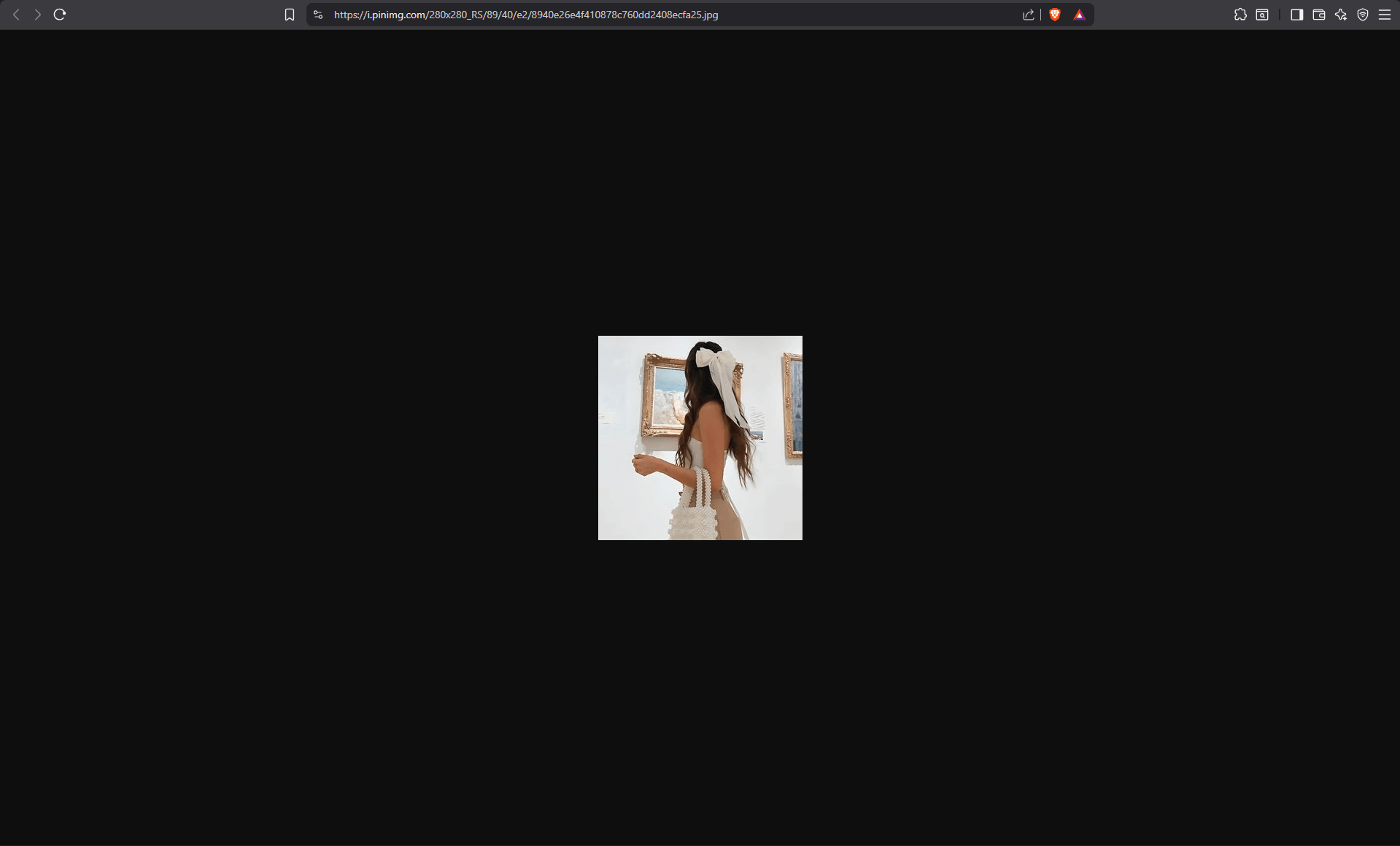
Viewing full-size profile pictures
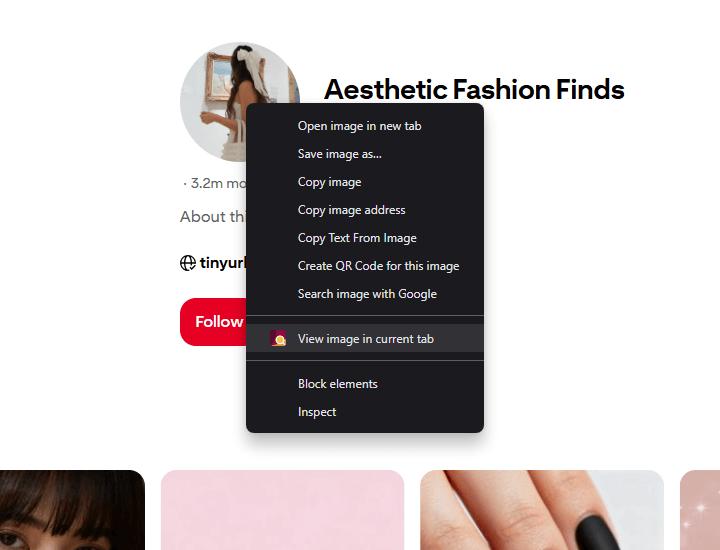
Enhanced Image Viewer solves this issue. With the extension installed, right-clicking on a profile picture and selecting “Open image in new tab” will display the full-resolution version.
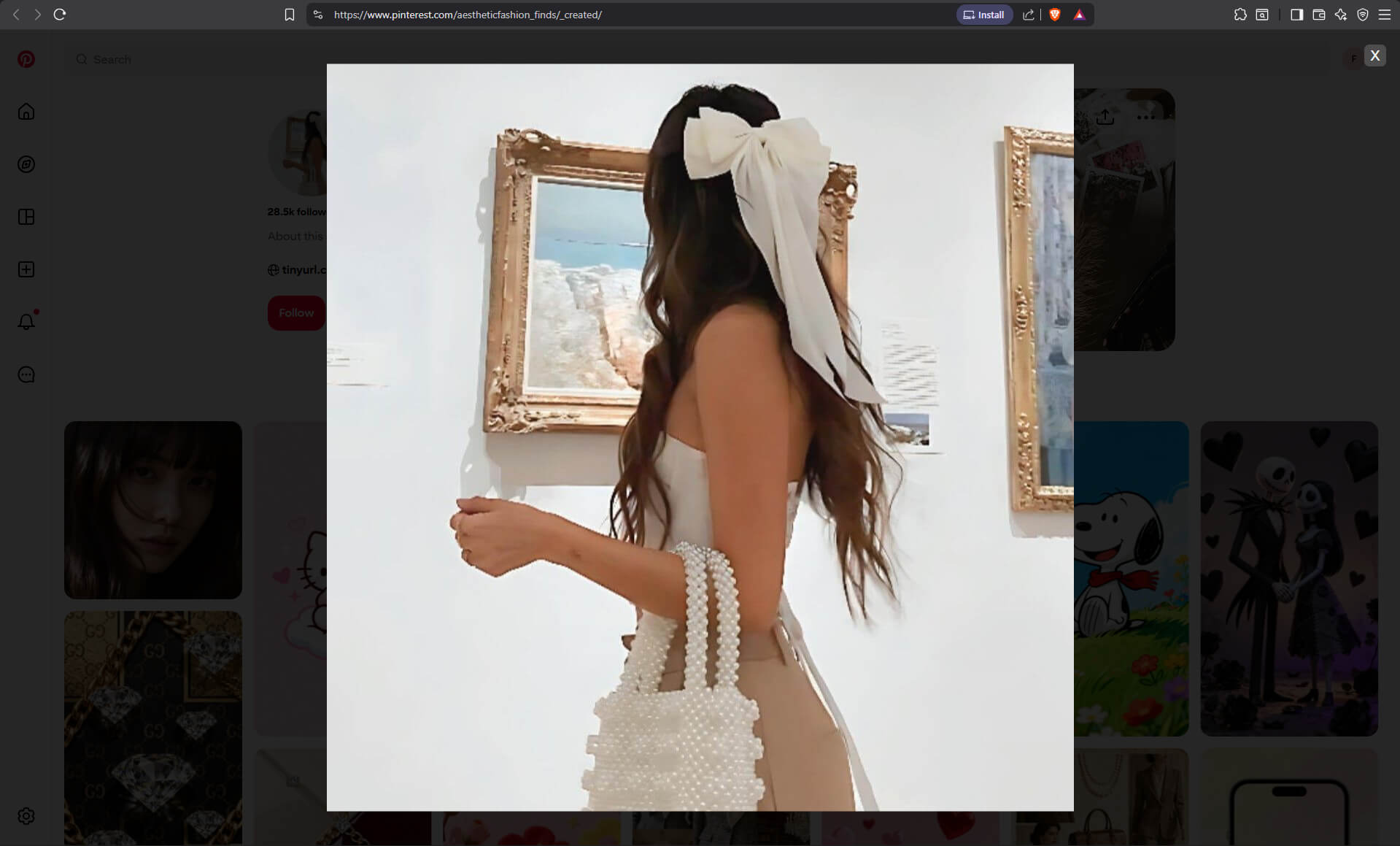
The extension also gives you the option to view the image in the same tab using an overlay.
Simply close the overlay when you’re done viewing.
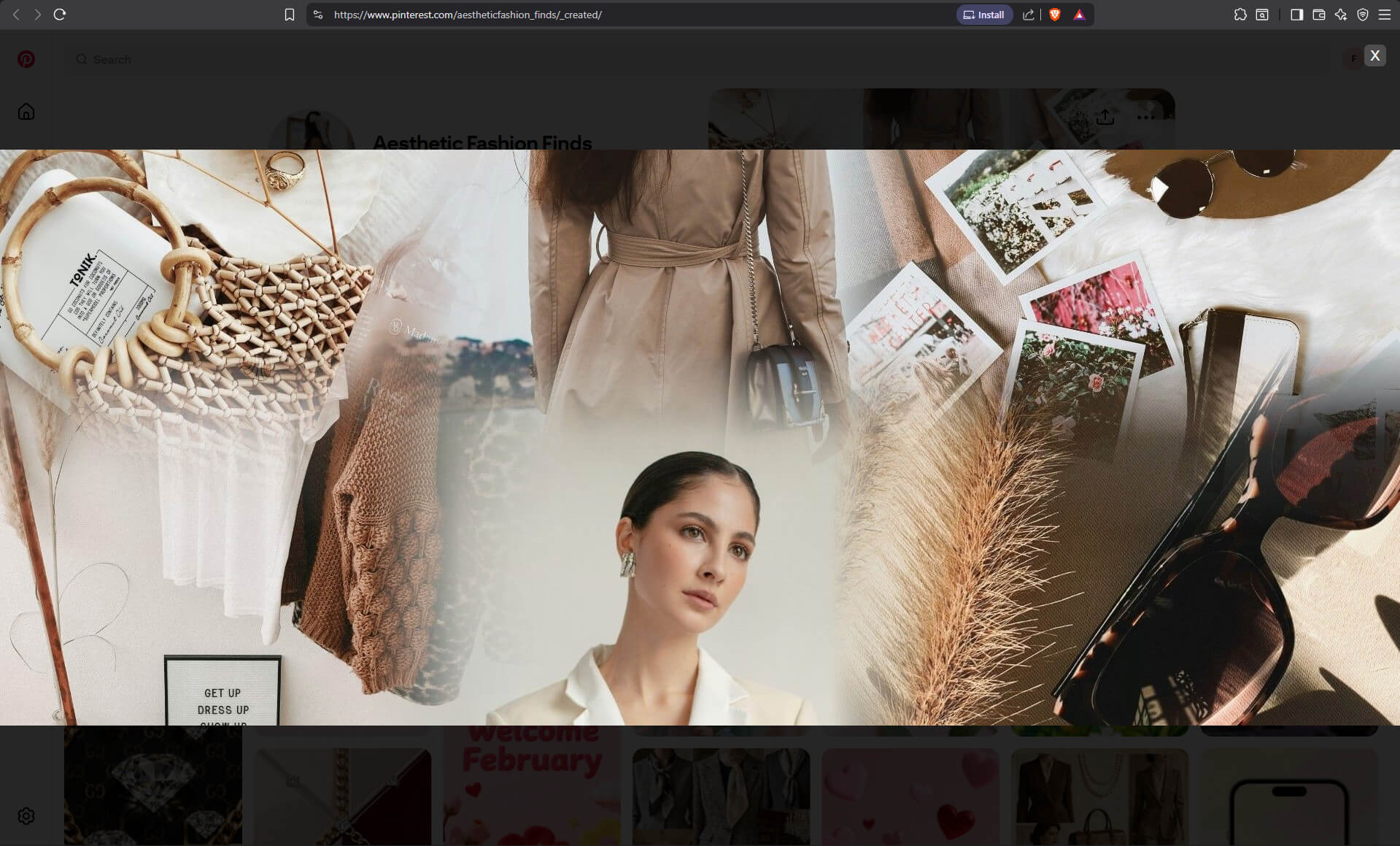
Works for banners too
The same functionality works for profile banners. Enhanced Image Viewer loads banners in their full resolution, so you can view and save them at full quality - perfect for design inspiration or archival purposes.
Looking for more Pinterest improvements? Enhanced Image Viewer also lets you view and save full-size Pinterest images.
Join 60,000+ users who’ve upgraded their image viewing. Install Enhanced Image Viewer →