View and Save Full-Size Pinterest Images
Pinterest only shows scaled-down images. Enhanced Image Viewer loads the full-size originals so you can view and save them at full resolution.
January 25, 2026
Pinterest shows scaled-down images
When you browse Pinterest, the images you see are scaled-down versions of the originals. If you try to save or open them in a new tab, you’ll only get these lower-resolution versions.
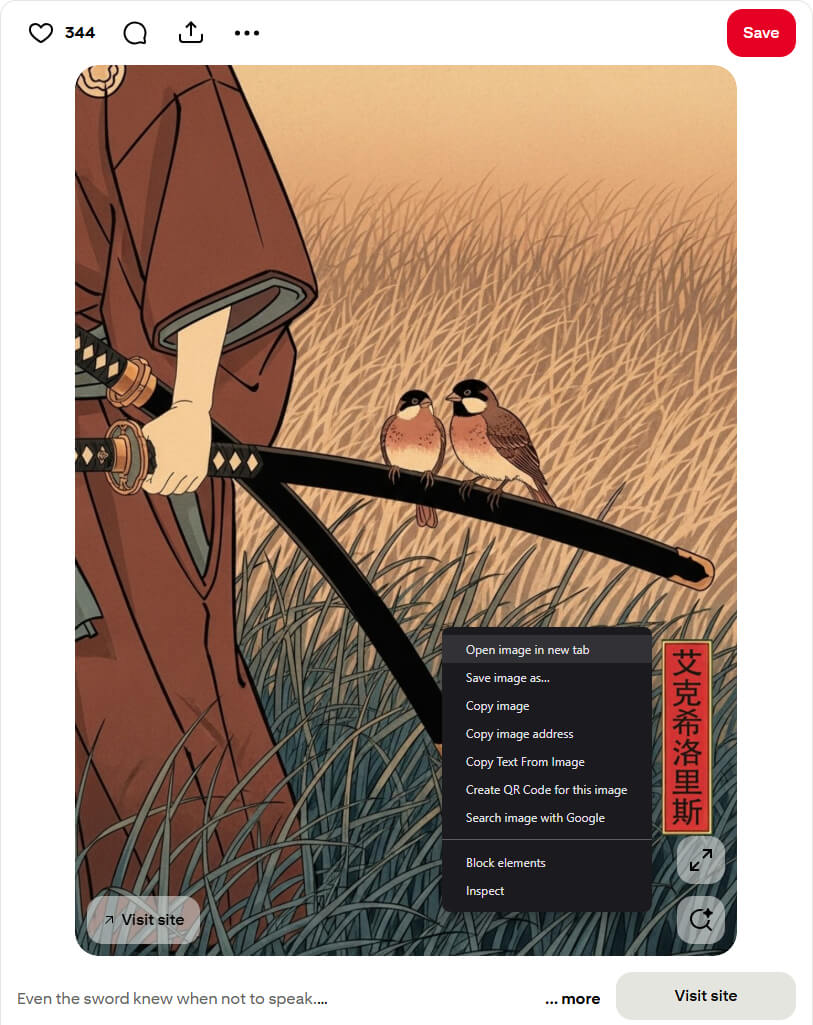
This is especially noticeable with high-resolution images where detail is important, such as photography, artwork, or design inspiration.
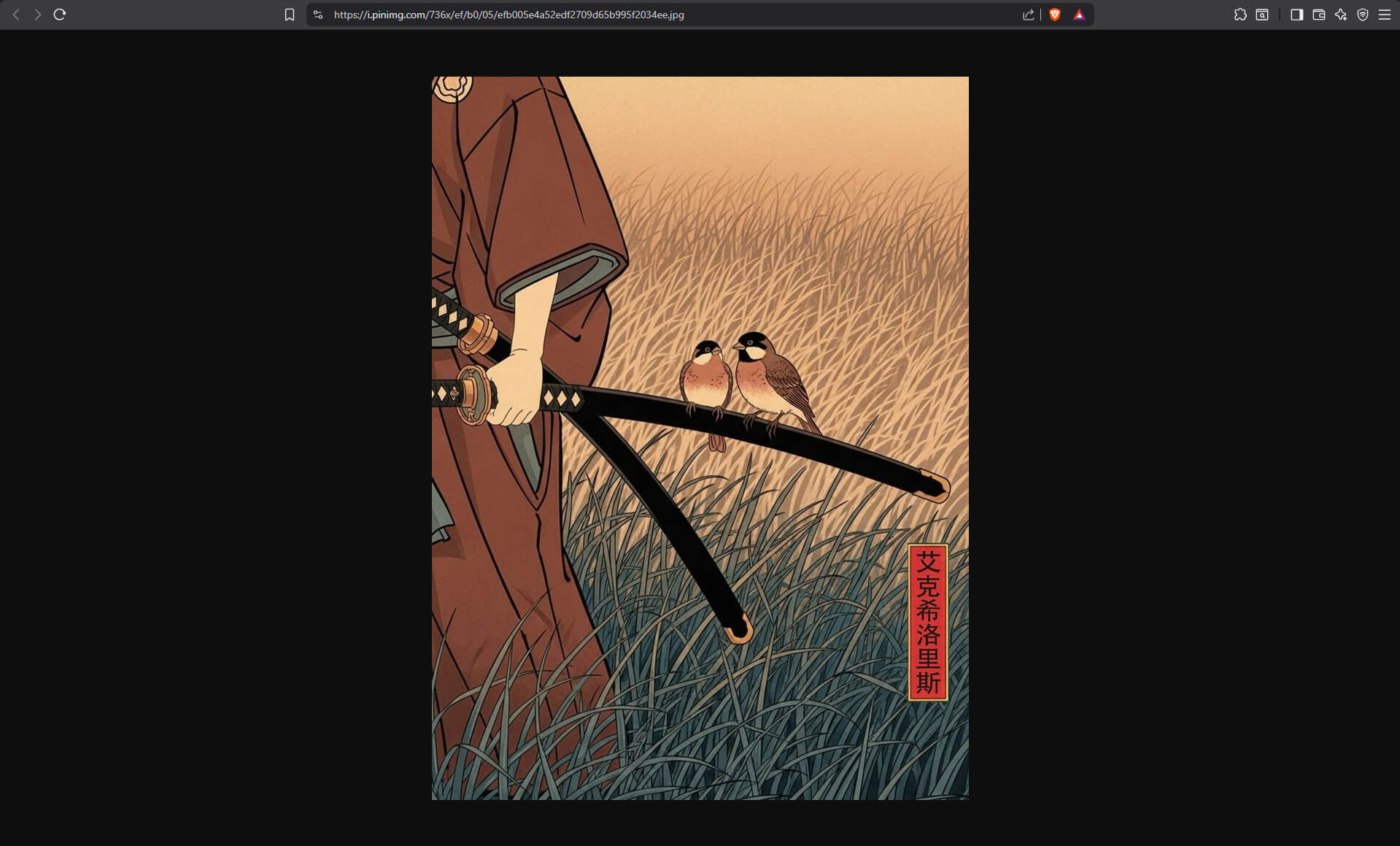
Viewing and saving full-size images
Enhanced Image Viewer solves this by loading all pinned images in their full resolution. With the extension installed, right-clicking on any image and selecting “Open image in new tab” will display the full-size original.
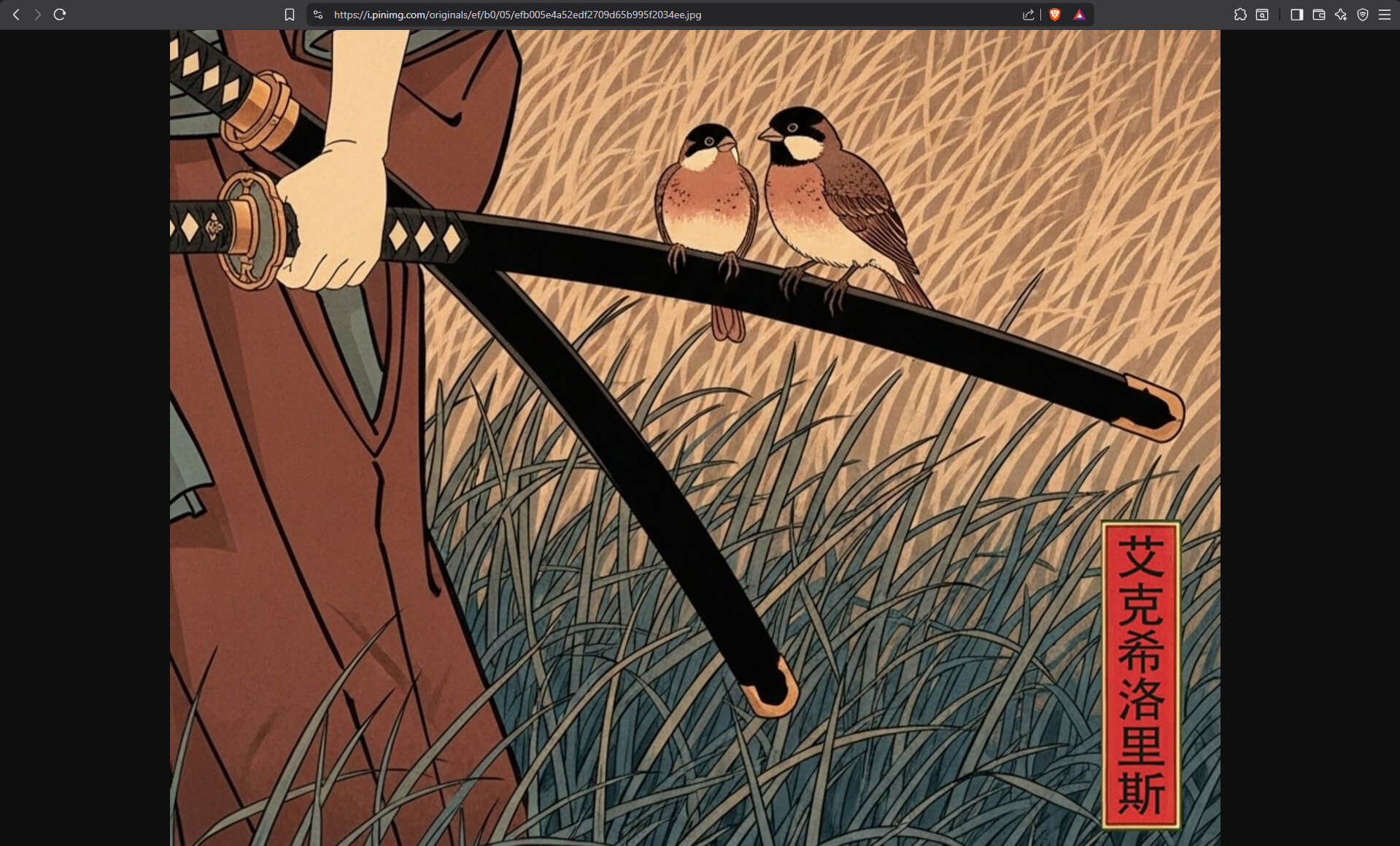
The same applies when saving images - you’ll get the full-resolution version instead of the scaled-down preview.
Looking for more Pinterest improvements? Enhanced Image Viewer also lets you view full-size Pinterest profile pictures and banners.
Join 60,000+ users who’ve upgraded their image viewing. Install Enhanced Image Viewer →