Skip Ads on Image Hosting Sites and View Images Full-Screen
Stop clicking through ad pages and poorly designed viewers on image hosting sites. Get instant full-screen images with Enhanced Image Viewer.
November 17, 2025
You click on an image link from a forum or social media, expecting to see the image. Instead, you’re greeted by a full-page ad and a “Continue to image…” button. You click through, and now you’re looking at a webpage with the image buried somewhere in the middle, scaled down, and requiring yet another click to see it at full size. And when you finally click? The viewer is even worse.
Image hosting sites like ImgBB, imgbox, IMX.to, ImageTwist, and PostImages have turned viewing a simple image into a multi-step obstacle course. Here’s how to skip all of that using Enhanced Image Viewer.

The standard hosting experience
When someone shares an image through a hosting service, you’d expect clicking the link to show you the image. Instead, hosting sites have turned this into a revenue-generating gauntlet.
Full-page ads first
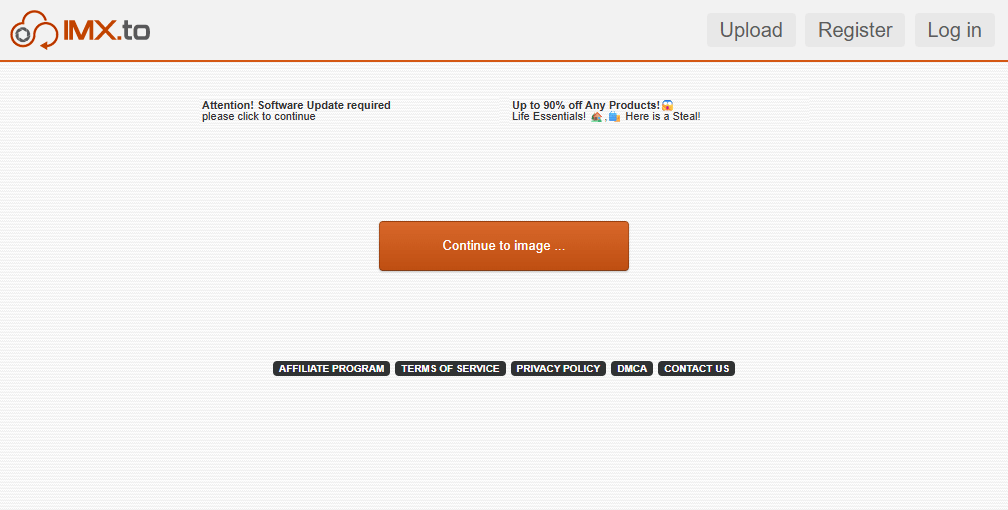
Before you can see the image, many hosting sites show you a full-page advertisement. You have to find and click a “Continue to image” or similar button to proceed. This adds an unnecessary step every single time you want to view an image.
Embedded in HTML
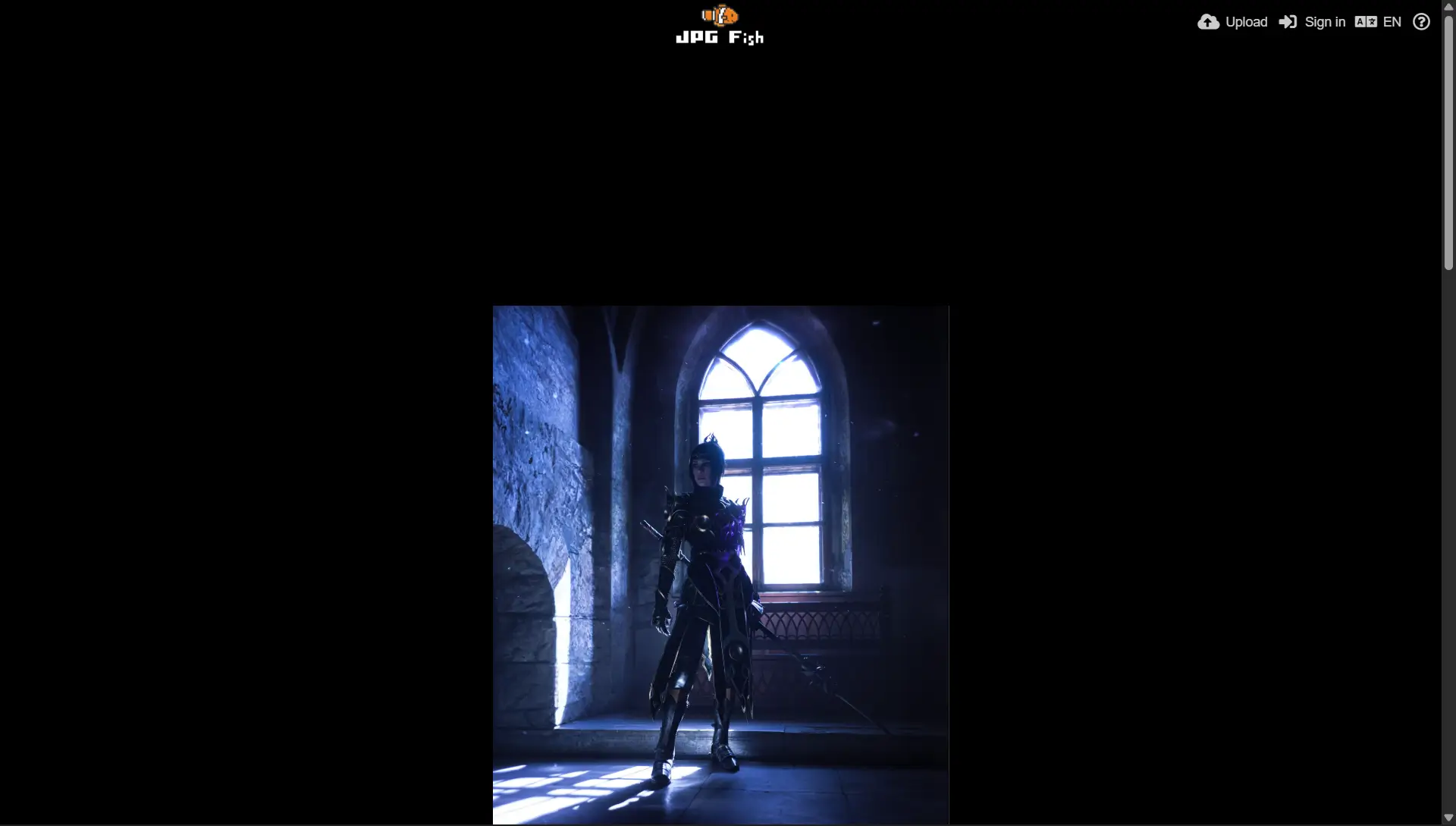
Once you click through the ad, you don’t actually see the image directly. Instead, you see an HTML page with the image embedded somewhere in it. The image is often poorly positioned, forcing you to scroll to see it. Headers, footers, and sidebars eat up your screen space.
Scaled down by default
To make matters worse, the image you’re viewing isn’t even the original. It’s a scaled-down preview. If you want to see the full-size version, you have to click on the image again.
Poor or non-existent viewer
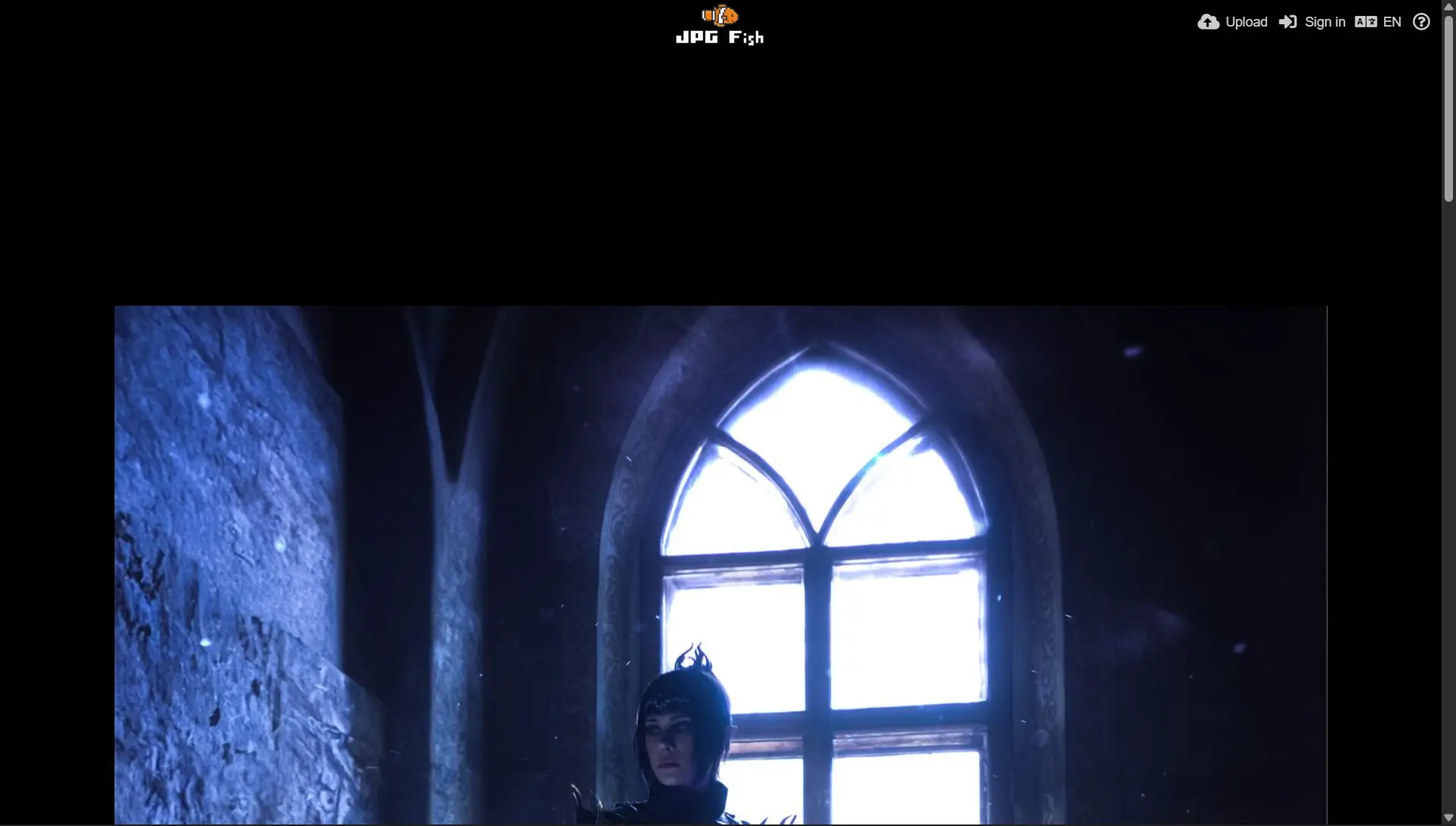
When you click to see the full-size image, you’re often greeted by a clunky viewer with limited controls, or worse - the image is simply embedded directly in the HTML page with no viewer at all. Want to zoom in? Good luck. Need to see details? You’re stuck with your browser’s basic zoom, which zooms everything including the surrounding page elements.
The enhanced experience
Enhanced Image Viewer eliminates all these frustrations. Here’s what happens with the extension installed:
Join 60,000+ users who’ve already streamlined their image viewing. Install Enhanced Image Viewer →
Skip straight to the image
With Enhanced Image Viewer installed, you automatically skip the ad page with the “Continue to image” button. Click an image link and you go straight to the image. No extra clicks, no waiting.
Full-screen overlay

Instead of embedding the image in an HTML page, Enhanced Image Viewer opens it in a full-screen overlay. No headers, no footers, no ads cluttering your view. Just the image using your entire browser window.
Always full-size
The image loads at its original resolution automatically. No need to click again to see the full quality. Every detail is immediately visible.
Complete viewing controls
Once the image is displayed, you get all the standard Enhanced Image Viewer features:
- Smooth zoom: Scroll the mouse wheel to zoom in and out smoothly, centering on your cursor position
- Pan by dragging: Click and drag to move around zoomed images
- Image rotation: Rotate images 90° in either direction
- And more: All the features you’d expect from a modern image viewer
These same controls work on any image you view in Chrome. Learn more about upgrading Chrome’s image viewer.
Works everywhere
Enhanced Image Viewer supports all major image hosting sites, including:
- ImgBB
- imgbox
- IMX.to
- ImageTwist
- PostImages
- JPG5
- And many more
No matter which hosting site someone used to share an image, you get the same streamlined experience.
Summary
Image hosting sites have turned viewing a simple image into a multi-step process filled with ads, scaled-down previews, and poor viewers. Enhanced Image Viewer cuts through all of this.
Install Enhanced Image Viewer and go straight to full-screen, full-size images with complete viewing controls. It’s free, works immediately after installation, and supports all major hosting sites.